FLORIDA STATE UNIVERSITY
Student Version
The Biology Grad Database (Gradbeta) gives the graduate students and faculty access to the tracking information collected by the Graduate Office. The Graduate Office uses this information to ensure that students meet the departmental guidelines for their degree, and that we comply with College and University requirements. In making their own information visible to students, our goals are to
The requirements listed in the Grad database have been extracted from the Bio Graduate handbook (http://bio.fsu.edu/gradbeta/handbook/). More details on any of the specific requirements can be found in the handbook, or by talking to Jessica Webber or Tom Houpt in the Graduate Office.
Don’t panic if a requirement status is yellow or red, or if a requirement is listed as unfulfilled when you know that you’ve filled it. The goal of the database is to make sure you know what the Graduate Office knows. Most requirements require that you and your committee file a memo with the Graduate Office confirming that you have met a requirement. So you may need to catch up on documenting your progress with the Graduate Office.
Also, although the handbook and the database present a suggested timeline for completing degree requirements, each student may have unique opportunities or challenges that can alter their own timeline. (But try not to get too far off schedule!)
As always, if you have any questions or concerns about the requirements and the associated paperwork, feel free to contact or come talk to Ben or Tom.
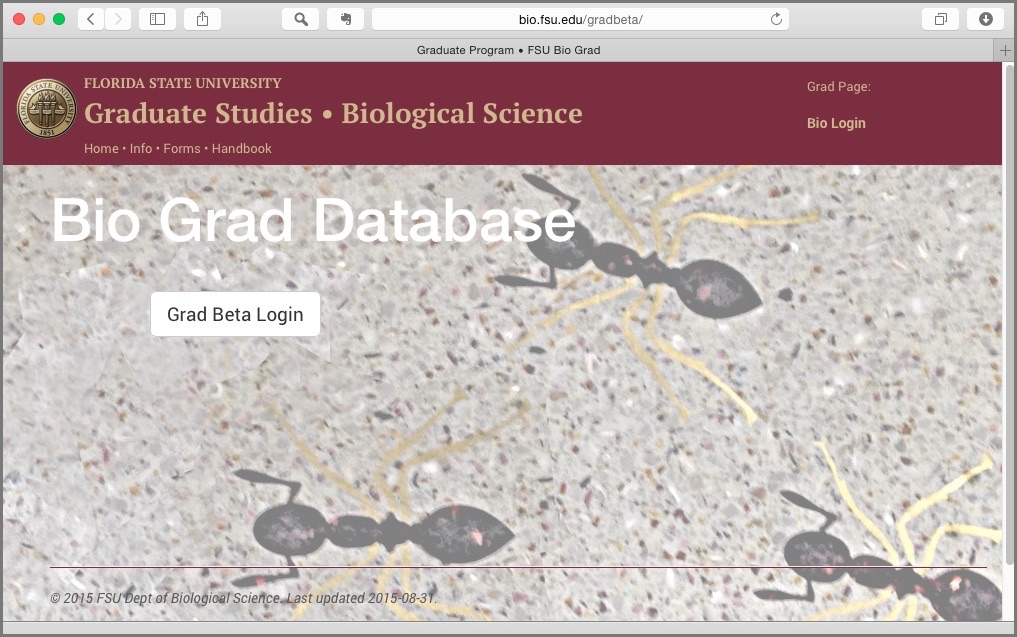
You login to the Gradbeta database by going to http://bio.fsu.edu/gradbeta, clicking on the "Login" button.
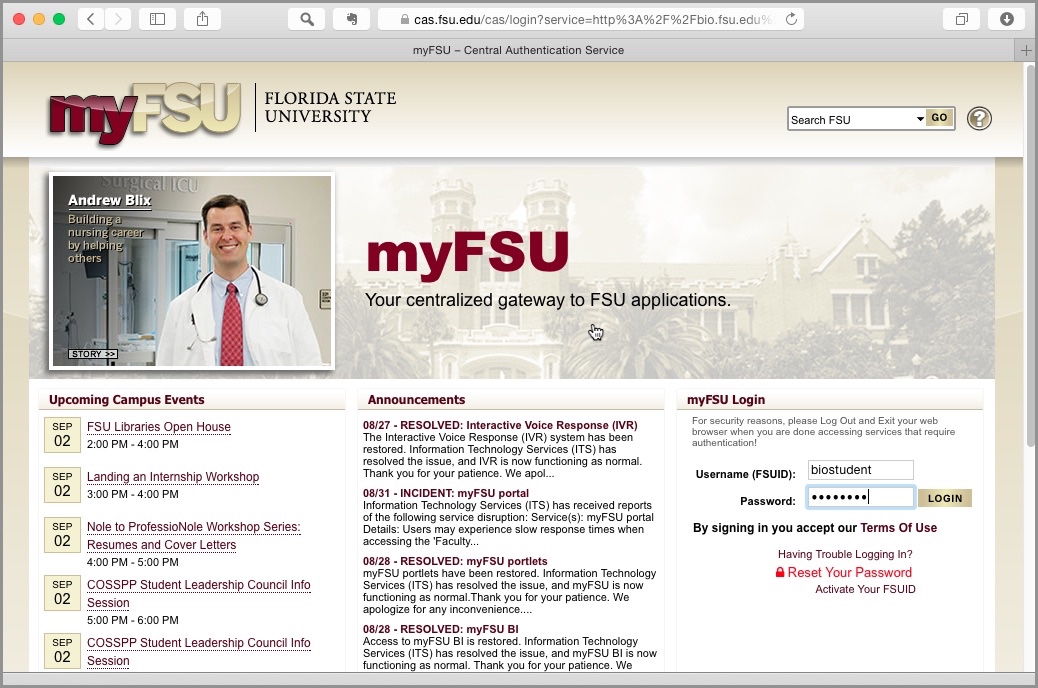
Then log in with your fsuid and password (the same login as for Blackboard). The FSU "central authentication service" verifies your login identity independent of Gradbeta or the bio servers.
Each student has their own more comprehensive profile page. At the top of the page is some summary information, a status row, and a timeline of committee meetings and significant checkpoints:
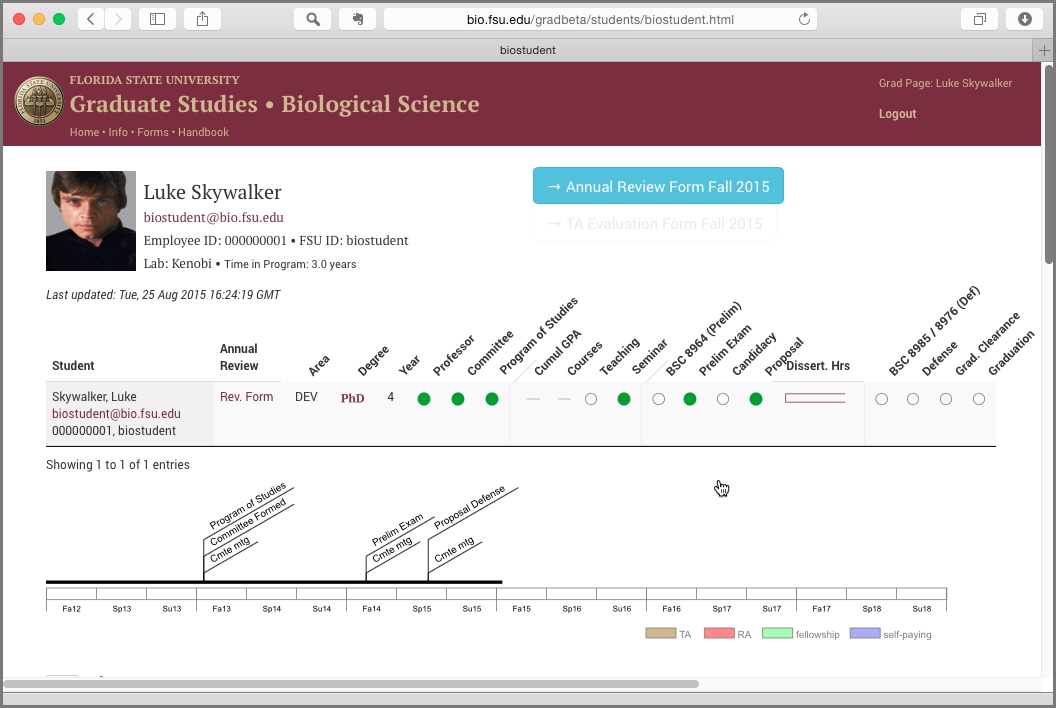
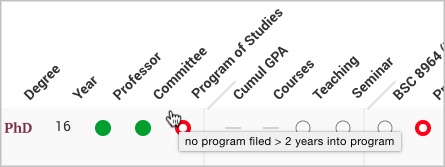
Progress is indicated on the status row with a series of color-coded dots. "Green" indicates that a requirement has been met (or more exactly, has been recorded by the Graduate Office). "Yellow" indicates that a requirement is about to become due (e.g., prelims should be scheduled at the end of the second year ). "Red" indicates that a requirement is missing or overdue (e.g. no "program of studies" has been filed with the graduate office after 2 years).
A link is provided for the student's Annual Review form (more details on the Annual Review procedure will be provided later in the semester.)
You can interograte the status dots by hovering the mouse cursor over the dot. Here we see that one student, Anakin, has not filed his Program of Studies, despite being in the program for 16 years:
Luke, however, filed his Program of Studies on time, on September 6, 2013:

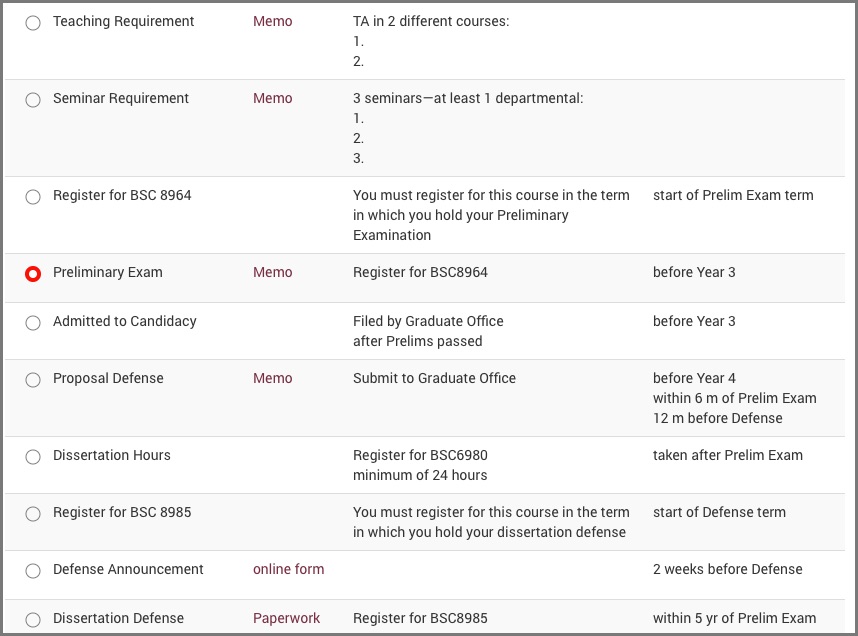
Further down are several sections of information. The most relevant is the "PhD [or MS] Requirements" section, which lists in chronological order each requirment (according the the Bio Graduate Handbook), the completion status of each requirement, and the suggested timing of completion.
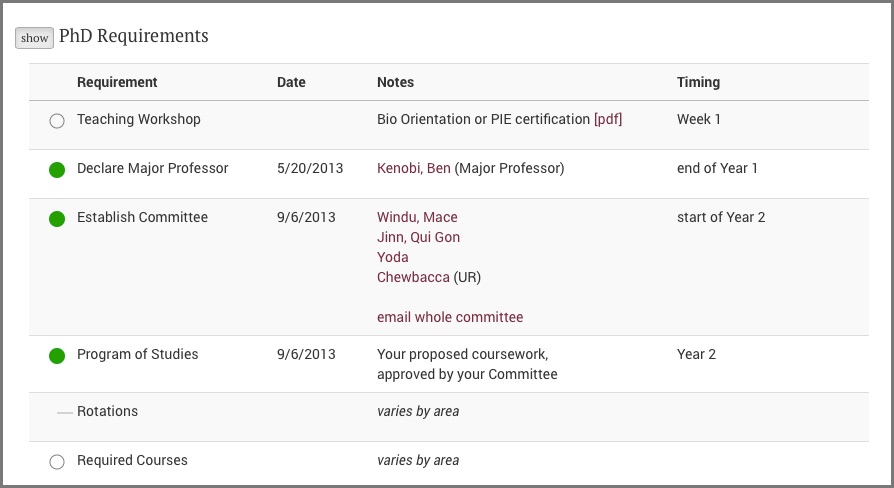
For each requirement, a link is provided to the appropriate memo, which should be filed with the Graduate Office to certify completion. For tems which have been completed, the date of completion is displayed.
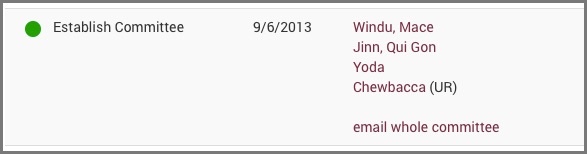
A useful feature is that the student's committee is listed (clicking on the names will open an email.) The entire committee can be emailed at once by clicking on "email whole committee":
Other areas of the Gradbeta site can be accessed via links at the top of the window:

An assortment of links and useful info for quick look up.
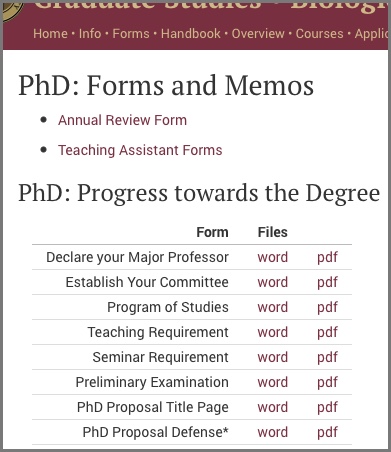
A listing of forms and memos required by MS and PhD students, which can be downloaded as either word or pdf documents. (Note that the Bio department memos are provided pre-formatted, but they can and should be tailored to the needs of the individual student and their committee.)
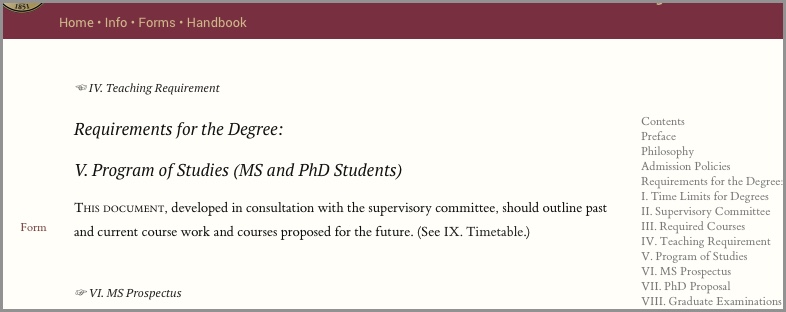
A draft reformatting of the Bio Grad Handbook, with updated links and links to memos mentioned in the text.